This is an example of how to use the visual acuity test. Below is a screenshot from the test:
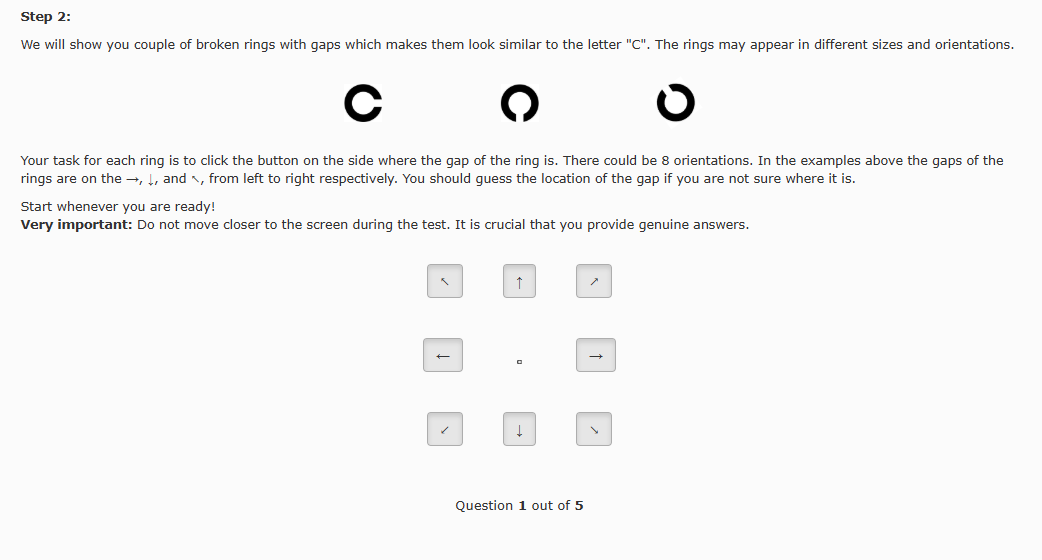
Look at the center of the buttons where a ring appears (marked by the red rectangle). Identify the direction of the gap in the ring.
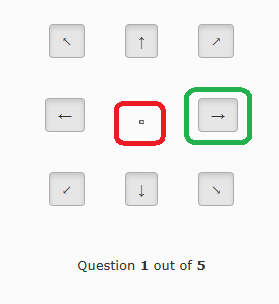
In this example, the gap is pointing to the right. Click the button that matches the direction of the gap. The correct button is marked by the green rectangle in the image below:
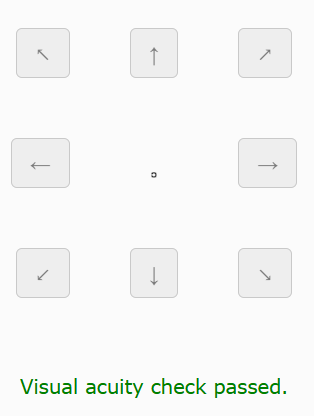
After clicking, a new example will appear. Repeat the process. You need to correctly identify the direction in 3 out of 5 examples to pass. If successful, you will see a message like this:
Now, close this windows and return to the test to complete it.